
Memory Optimizer by Vera F. Birkenbihl with Paul R. Scheele is a self-study program for adults interested in remembering names, retaining study material and working more deliberately with everyday information. It combines a Main Edition with an Accelerator, bringing together named memory frameworks, practical application topics and supporting written resources.
The course gives you several areas to explore according to your interests. You might want to focus on learning new vocabulary, remembering people you meet or recalling information from something you have studied. Understanding how the program is organised helps you choose where to begin and which topics deserve more attention.
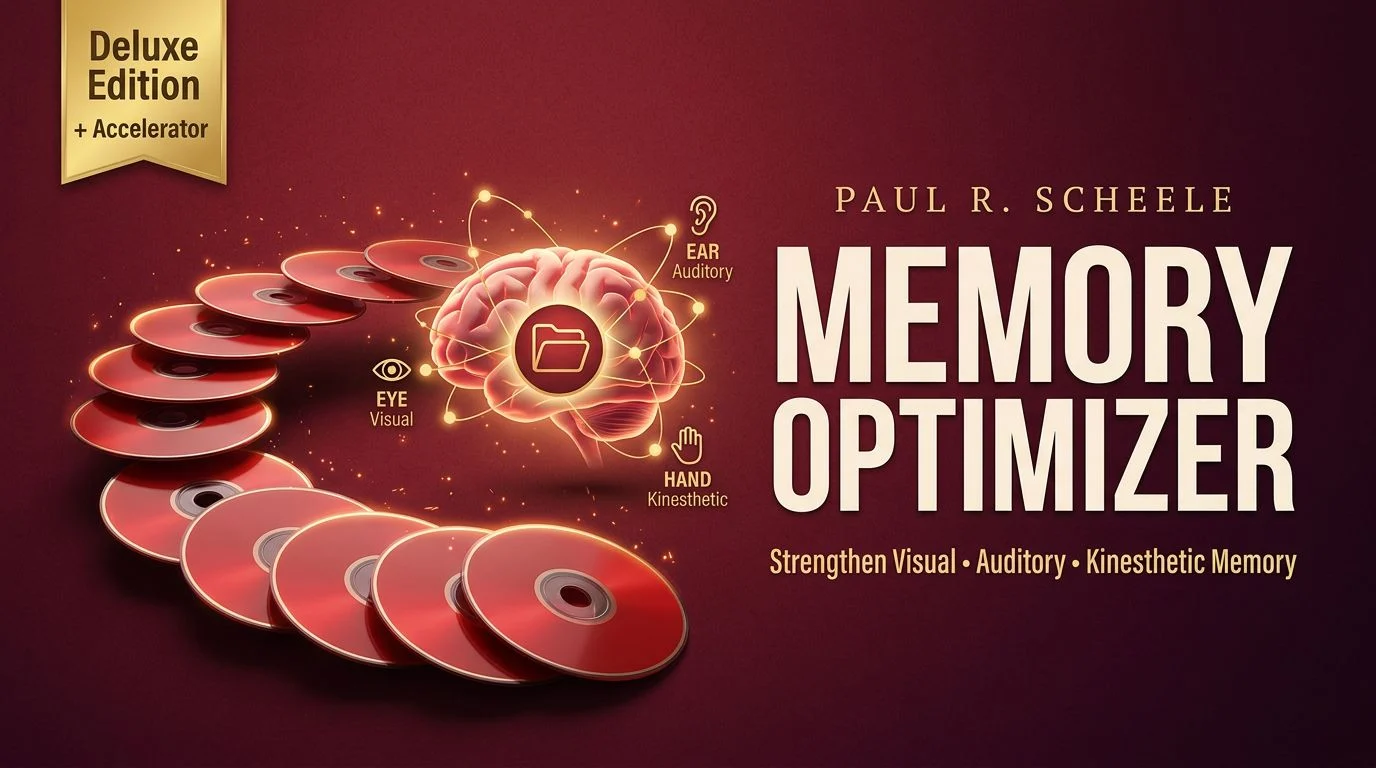
Start with the foundations in the Main Edition
The Main Edition introduces the Inner Archive and develops it through topics including Knowledge ABC Lists, strategies for creating those lists, and threads and auxiliary threads. Later sections cover the Anchorman List, Intelligent Gap Management and the memory web, followed by applications involving learning and problem solving.
These named methods form the core curriculum. Instead of approaching the collection as an assortment of unrelated recordings, start by becoming familiar with the terminology and following how the foundational topics connect. The accompanying ABC-list PDF and course manual provide written resources to consult as you progress.
The inventory also includes a separate Anchorman Training session and training variations. For someone interested in that part of the course, this distinguishes the introductory material from the additional training listed around it.
A practical study approach is to keep brief notes on each method: what the lesson explains, which task you would like to apply it to and what you need to revisit. These notes can help you make purposeful use of the material without trying to cover every application at once.
Explore visual, auditory and kinesthetic memory
The Accelerator adds material organised around visual, auditory and kinesthetic memory, together with its own manual. Its introductory section also lists short-term-memory pre-test and post-test activities.
The Main Edition and Accelerator therefore serve different roles in the collection. The Main Edition provides the foundational curriculum; the Accelerator extends the available training into these additional memory areas. This organisation is also reflected in the publisher’s description of the course.
Begin with the Main Edition if your priority is understanding the course’s central frameworks. Then use your interests and experience with those lessons to decide which Accelerator topics to explore. The listed tests are course activities, rather than independent proof of a particular improvement.
Choose a focus that matches your everyday needs
The curriculum includes applications beyond general discussions of memory. Its listed topics offer several starting points:
- Learning and studying: Explore material on using the Inner Archive for learning, alongside topics involving study and general knowledge. This is a relevant area to examine if your main interest is retaining information from reading or coursework.
- Vocabulary: Dedicated vocabulary topics make this an area to consider when assessing the program for language learning or expanding your knowledge of words.
- Names and people: The collection includes material addressing people and names, making it relevant to learners interested in this particular everyday task.
- Jokes, stories and personal memories: These topics broaden the curriculum to include narrative material and autobiographical memories.
Choose one application to work with first. For example, if vocabulary is your priority, focus your notes and practice around that interest rather than treating every topic as equally urgent. This is a suggested way to organise your study, not a promise that the course produces the same results for every learner.
Understand what belongs to the wider collection
The UDCourse inventory lists Memory Optimizer Deluxe alongside separately named program folders: Clear Mind Bright Future, Effortless Abundance, Genius Mind Digital, Million Dollar Vocabulary, Paraliminals and PhotoReading.
These additional folders should be distinguished from the Memory Optimizer Main Edition and Accelerator. Their presence does not turn them into extra lessons within the core course.
Use the Course Content viewer on this page to inspect the listed resources before choosing. This is particularly useful if you already own another program in the collection or want to understand how the folders are organised. Similar program names alone do not establish that different editions contain identical material.
Who this course is best suited to
Memory Optimizer is worth considering if you want to explore a structured memory curriculum and are prepared to engage with its lessons, written resources and activities. Its range of topics may appeal to adults whose interests include studying, vocabulary, names and everyday recall.
The clearest reason to choose it is an interest in the actual methods and applications covered. Consider which parts match your needs, how you prefer to study and whether you are willing to revisit material as you practise.
Questions before choosing Memory Optimizer
Is this mainly a course about memorising lists?
Lists and associations are part of the program, but its listed scope also includes learning, problem solving, names, vocabulary and stories. The publisher describes an approach involving learners creating their own memory associations rather than relying only on a supplied set of pegs to memorise. Publisher’s FAQ
Can children study the course independently?
The publisher recommends that an adult teach relevant concepts to children rather than have children listen to the course on their own. Adults choosing material for younger learners should take that intended approach into account. Publisher’s guidance
How should I begin?
Start with the Main Edition’s introductory and foundational material, using the accompanying manual as a reference. Select a practical area of interest, make notes as you work and explore the Accelerator when you want to investigate its additional memory topics.