TL;DR: ilovecreatives Social Design Course is a practical, self-paced archive for designers who want a repeatable route from client brief to finished social campaign. Its 29 videos and 29 paired PDFs cover audits, Figma toolkits, campaign creation, versioning, presentation, and pricing. It is strongest for learners with basic design confidence; it is not a full graphic-design foundation or a broad social-media management program.
What the ilovecreatives Social Design Course archive contains
The frozen inventory records 58 files totaling 5.51 GB: 29 MP4 videos and 29 PDFs. Each delivered video has a same-named PDF companion, including a bonus workshop pair titled Designing a Typeface, Designing Its Launch. This pairing makes the archive practical for two modes of study: watch the process for context, then return to the matching document when working on an assignment or client project.
The main curriculum has six sections: Real World Briefs, Social Brand Audit, Build Your Toolkit, Creating Social Campaigns, Design Versioning, and Portfolio/Pitching/Pricing. The sequence is coherent because it mirrors professional work instead of grouping disconnected visual effects. Designers who need a broader graphic-design foundation before taking on client briefs may be better served elsewhere.
From a client brief to a reusable social system
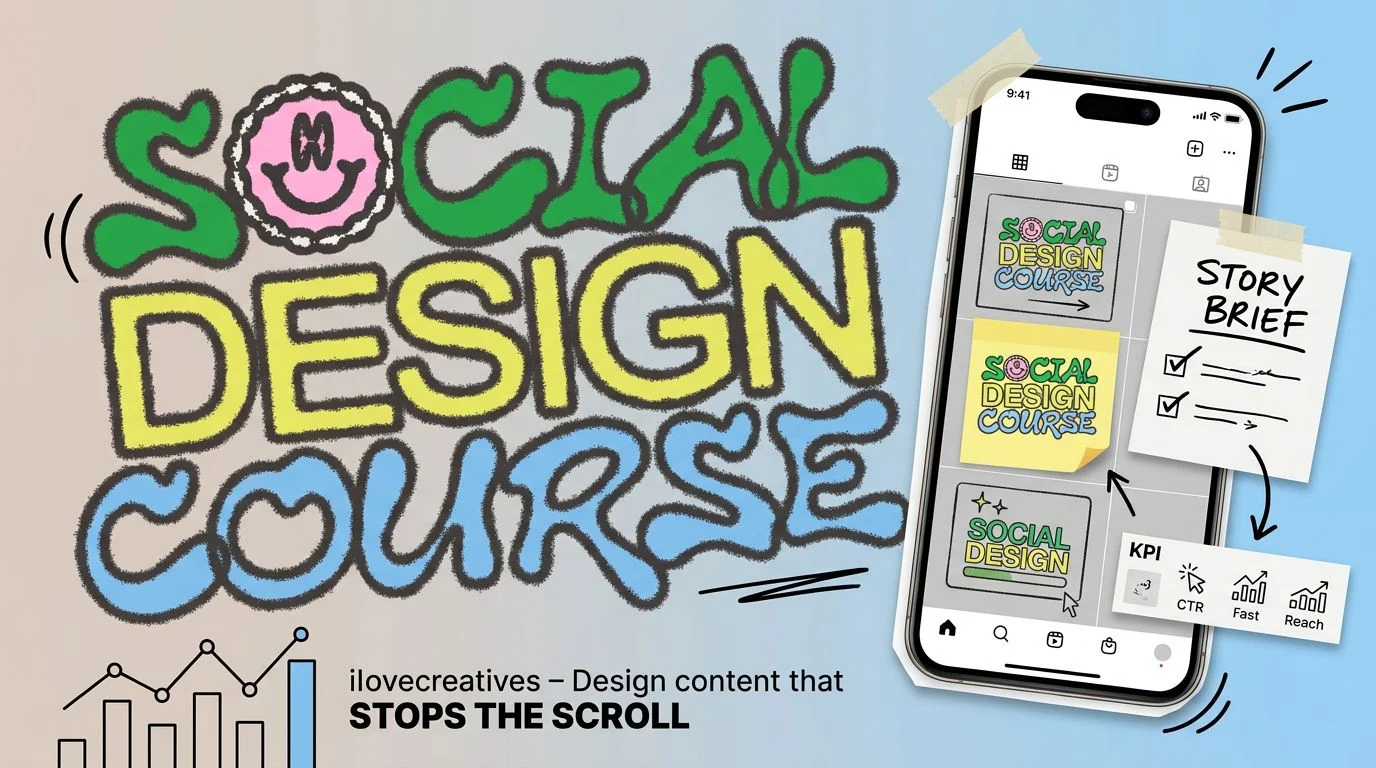
The early material addresses brief analysis, feed reading, brand audits, a 12-post grid, and translating observations into a visual system. It then moves into gathering assets, moodboards, modular social components, campaign directions, carousels, and paid ad sets. The official Social Design Course curriculum confirms that James Junk teaches the course and frames toolkit construction in Figma as a core part of the workflow.
The important editorial distinction is between making individual posts and building a system that can produce related posts without starting over each time. A toolkit makes repeated decisions—type, color, framing, graphic components, and feed relationships—visible and reusable. Designers who want deeper design-system practice alongside this social toolkit work can extend that part of their learning. That can improve consistency, but only if the learner brings enough judgment to recognize which brand observations deserve to become rules.
Why versioning and presentation deserve attention
Many introductory design lessons stop once a strong concept exists. This curriculum continues into versioning, quality control, packaging, portfolio case studies, pitching, freelancing, and pricing. When the immediate challenge is carousel storytelling rather than a full campaign system, focused carousel-design practice gives that narrower design task a next step. That makes it relevant to client delivery as well as craft: a concept still needs to survive multiple formats, maintain hierarchy, and be explained to another person.
The trade-off is specialization. The verified lessons teach social-design execution and decision-making, not a full foundation in typography, layout, color, software operation, analytics, scheduling, community management, or media buying. Buyers should choose it for the visual-production workflow, not for every discipline involved in running social channels.
Tools, audience fit, and delivery limits
Good fit: freelance, in-house, and brand designers who already touch social content; recent graduates with basic tool familiarity; and content-adjacent professionals ready to complete practical design work. Figma access and confidence with basic design principles are sensible working requirements because the curriculum includes toolkit building and campaign production.
Poor fit: complete beginners needing broad graphic-design fundamentals, buyers mainly seeking social strategy or analytics, and anyone depending on live review. The official offer describes one-to-one feedback, Discord, resources, rewards, and permanent account benefits, but the frozen archive verifies only MP4 and PDF files. It also does not identify standalone editable Figma or presentation templates, so those should not be assumed.
ilovecreatives Social Design Course FAQs
What format does the archive use?
The archive contains 29 MP4 videos and 29 same-named PDFs totaling 5.51 GB. That includes 28 main lesson pairs and one bonus workshop pair.
Who is this social design course for?
It suits freelancers, in-house and brand designers, recent graduates, and content-adjacent people with enough visual foundation to complete practical assignments in design tools.
What tools and skills are needed?
Figma is used for toolkit construction, so access and basic design-tool confidence are practical requirements. The official page says a design degree is not required and recommends fast internet.
Are feedback, Discord, and templates included?
Those benefits are not verified for this purchase. The official offer describes feedback, community, and templates, while the frozen inventory exposes video and PDF files only.
What client-work applications are covered?
The curriculum covers audits, campaign concepts, carousels, paid ad sets, versioning, quality control, case studies, portfolios, pitching, freelancing, and pricing.
Editorial verdict
This is a well-shaped archive for learning the operational middle of social design: understanding the brief, translating brand observations into a system, producing campaign assets, and packaging the work for others. The paired PDFs add genuine reference value. It is a good choice for a designer who wants a structured workflow and can practice independently; skip it if the priority is design fundamentals, social-channel operations, or verified ongoing instructor support.