
Eva Glasbeek Video Campaign Formula is presented by its creator as a connected route from visual concept and planned coverage through camera work, lighting, and a Premiere Pro finish. Its appeal is that production stages are treated as one chain of decisions. That breadth is useful for camera-led campaign work, but it is a weaker match for someone who wants a narrow lesson in one technical discipline.
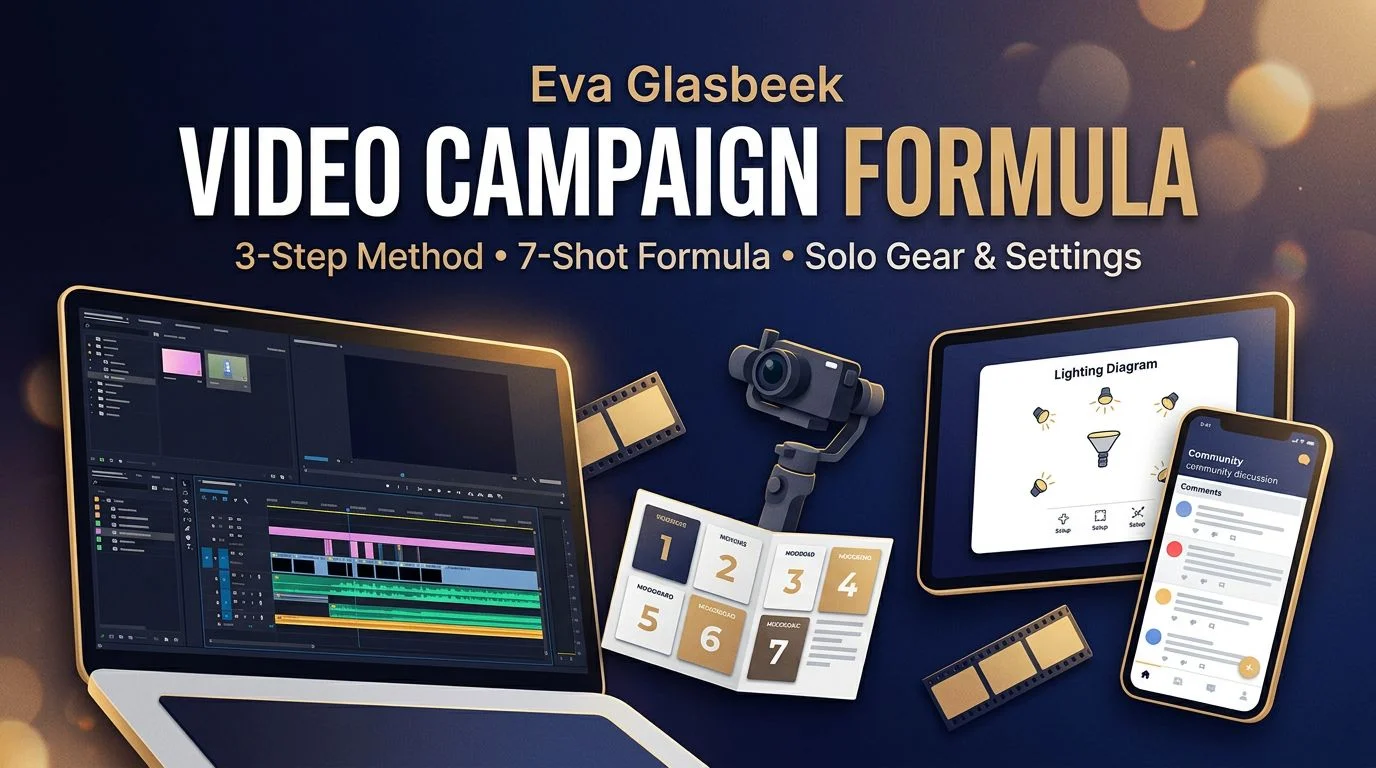
A campaign workflow, not a single production lesson
The creator presents seven modules that move from concept work and shot structure through camera craft, movement and gear, shoot direction, lighting, and finishing. Read as a sequence, that is a production system rather than a collection of disconnected tricks: choices made before the shoot are meant to carry into the edit. Choose it if the missing piece in your process is continuity between planning, filming, and finishing. Skip it if you need deep specialization in only lighting, camera technique, or editing, because the stated curriculum spreads its attention across the whole production path. A buyer focused on AI video production is evaluating a different route: AI-assisted generation rather than camera-led campaign coverage.
Why planned coverage sits at the center of the formula
Instead of treating a shoot as a hunt for individually attractive clips, the creator says the shot-structure material uses a seven-shot structure and a three-step sequence method alongside continuity and transitions. That emphasis makes planned visual progression the method’s real proposition; the official curriculum outline places those elements before later production stages. For a videographer, the practical consequence is a repeatable way to decide what coverage is needed before arriving on set. A framework can guide those choices, but it does not establish that one visual style or client result will follow in every genre.
The camera-to-Premiere commitment behind the stated workflow
The creator’s stated path joins capture choices, movement, gear, directing, lighting, and solo-production decisions to a Premiere Pro workflow covering file organization, editing, vertical versions, export, and color work. That connection is a meaningful fit test, not a software badge. It suits someone prepared to make camera-based footage and assess a Premiere Pro-centered finish; it suits a buyer less well when a software-neutral workflow is essential. The trade-off is useful specificity: a defined tool path can make decisions cohere, while leaving transferability to another editor something to verify rather than assume. A buyer who needs deeper film editing practice should treat it as a complement, rather than assume this campaign path covers editing in that depth.
Video Campaign Formula questions about fit, files, and setup
How is the Video Campaign Formula package organized?
The Course Content listing reports eight folders and 50 files totaling 2.38 GB, in mixed video, PDF, and image formats. It establishes visible package organization and scale, not the contents or quality of unopened files.
Does the stated course run from concept through editing?
Yes, in the creator’s presentation it moves from concept and shoot structure through camera work, lighting, and a Premiere Pro finishing stage. That is a stated curriculum path, not an independently verified measure of lesson depth or outcomes.
Who does Eva Glasbeek say this suits?
The creator says it is for people starting videography as well as working videographers, and names a camera or a plan to get one plus editing software such as Premiere Pro. Buyers should treat those as fit signals, not confirmed UDCourse setup requirements.
What setup details remain unverified on UDCourse?
No underlying course file was opened from the visible listing. The file inventory therefore cannot confirm exact software versions, technical depth, or how individual steps translate to another editing setup.
What the visible 50-file package can—and cannot—verify
The listing gives a concrete boundary: eight folders, 50 files, and mixed formats are visible, while their contents were not inspected. That is enough to identify a multi-part package, but not enough to turn file count into claims about duration, exercises, accessibility, or completeness. Separately, the creator presents a multi-stage production path and says fashion and lifestyle are the primary example contexts. Buyers who value that stated context can use the method as a meaningful signal; buyers needing proof of exact file contents or broad genre transfer should keep the evidence boundary in view. For a phone-first capture approach, mobile videography is a practical comparison with this stated camera path.
From seven-shot coverage to a Premiere Pro finish
The Eva Glasbeek Video Campaign Formula course has a specific implementation logic: a handoff from a seven-shot planning framework into camera, lighting, and a Premiere Pro finish; the creator presents those stages as part of one campaign-production path. That logic is most relevant when turning a visual concept into purposeful coverage and an edit is the actual bottleneck, and when the creator’s fashion- or lifestyle-led examples are useful reference points. The visible listing still leaves important limits in place: it does not verify individual-file depth, the stated Premiere Pro process may not map directly to another editor, and broader genre transfer is not established.