
TL;DR: Matt Brunton’s course Figma for Web Designers 2.0 packs 11 modules and 59 video lectures (700+ minutes) into a senior-level responsive web design workflow. You learn Auto Layout, Variables, Components, Prototyping, Responsive Layouts, and Dev hand-off, finishing with a one-pager capstone. Self-paced video download, no live cohort.
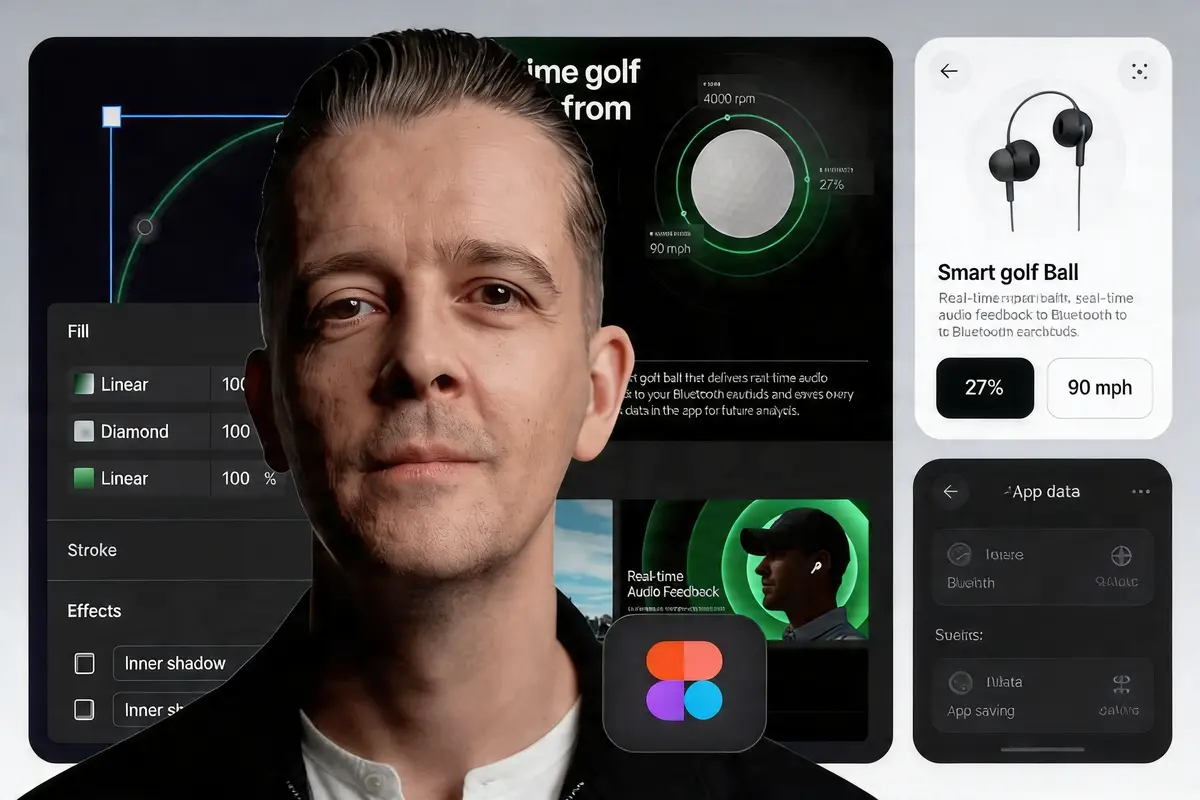
What You Get with Figma for Web Designers 2.0
Figma for Web Designers 2.0 ships as a downloadable video program: 11 modules, 59 lectures, and over 700 minutes of instruction. You keep the files, so you can revisit any lesson after finishing. Lectures cover the full pipeline from Figma setup to a complete Figma mastery workflow, and the capstone walks you through a one-pager website.
Be clear on exactly what this download includes. The UDCourse bundle includes the video lectures only. It does not include the 8-week live mentoring cohort, the capstone review from Matt, or the Flux Academy-issued certificate that ships with the direct purchase on flux-academy.com. If you need the certificate or live feedback, buy from Flux directly. If you want a broader web design toolkit alongside it, pair this with Viktor Oddy’s Design Rocket. If you just want the teaching, you are in the right place.
What you will walk away able to do:
- Master Auto Layout, Variables, and Components for responsive design systems in Figma.
- Develop a full website from wireframe to high-fidelity prototype in a single Figma file.
- Learn the dev hand-off workflow Matt uses on agency projects with engineers.
- Apply Figma illustration techniques for custom icons and in-UI graphics.
- Build scalable responsive layouts that survive real content, not just hero sections.
- Implement a Figma-to-production workflow that mirrors how senior designers ship work.
Inside Those 11 Modules
The curriculum moves in a sensible order that mirrors how a complete design system gets built in practice, each module building on the last:
- Figma Foundations (17 lectures) – interface, frames, grids, and file setup habits that hold up under client revisions.
- Auto Layout (3 lectures) – the responsive backbone for buttons, cards, and nav bars.
- Styles and Variables (2 lectures) – design tokens for color, type, and spacing.
- Illustration in Figma (12 lectures) – vector work without jumping to Illustrator.
- Wireframe to Final Design (5 lectures): the low-to-high-fidelity path.
- Components, Variables, Prototyping (4 lectures) – scalable UI systems plus interactive states.
- Responsive Layouts (5 lectures) – breakpoints and fluid structures.
- Plugins (1 lecture) – a short tour of the ones Matt actually uses.
- Hand-off and Collaboration (3 lectures) – Dev Mode, annotations, working with developers.
- Other Figma File Types (3 lectures) – FigJam and adjacent files for discovery work.
- Certification Capstone (2 lectures) – the one-pager project brief and wrap-up.
Stanford HCI Group’s work on interaction design and design systems underlines why structured tool fluency, not just visual polish, is what separates agency-grade web design from hobby output. The module order reflects that priority.
Who Matt Brunton Is and Why It Matters
Matt Brunton has been a working designer since 2004. Flux Academy states he is their Creative Director and the sole instructor of their Core Design Skills program, where he also teaches Brand Design Mastery. In 2024 he founded Studio Spielen, a sports brand design studio, and he publishes his own work at mattbruntondesign.com, drawing on the same senior-level craft taught in programs like Shift Nudge Pro.
Trustpilot reviewers of Flux Academy report that Matt’s feedback on the direct program is personalized and detailed. That live feedback is not part of this download, but the same teaching voice carries the video lectures. Inside Figma for Web Designers 2.0, he draws on two decades of agency output rather than a tool-tour checklist, and that shows up in how he frames client revisions and hand-off conversations.
Who Figma for Web Designers 2.0 Is For (and Who It Isn’t)
This course fits a clear list of people:
- Freelance web designers wanting higher-value clients and a cleaner workflow.
- UI designers moving into responsive web work, or completing a structured UI design program.
- Self-taught designers who need structured Figma fluency rather than scattered YouTube clips.
- Agency designers upskilling on Auto Layout, Variables, and Dev Mode.
- Career switchers building a portfolio one-pager.
Honest trade-off: if you are a senior designer already fluent in Auto Layout and Variables, Modules 1 through 3 will feel basic. You will get value from Responsive Layouts, Hand-off, and the capstone, but you are paying for material you could skim. Treat it as a workflow refresh, not a revelation, and consider pairing it with a brand-focused course like Camp Evergreen: Brand and Web for a fuller portfolio.
How It Stacks Up Against Other Figma Training
Here is an honest read on how Figma for Web Designers 2.0 compares to common alternatives in 2026:
| Option | Price | Depth | Best For |
|---|---|---|---|
| This course (UDCourse) | Low one-time | 11+ hours, structured | Self-paced senior-level workflow |
| Flux Academy direct | $695 or 3 x $278 | Same video + mentoring + certificate | Buyers who need live feedback |
| Udemy Figma courses | $10-$50 | Variable, tool-tour heavy | Absolute beginners on a tight budget |
| Skillshare Figma classes | ~$15/month | Short, wide | Sampling topics monthly |
| Flux Core Design Skills | $497 | Fundamentals, broader | Designers before specialising in web |
Free YouTube playlists cover most individual topics. What they do not give you is a single agency designer’s end-to-end sequence from blank file to dev hand-off. That sequence is what you pay for here.
Common Questions Answered
What is Figma for Web Designers 2.0?
Figma for Web Designers 2.0 is Matt Brunton’s 11-module, 59-lecture Flux Academy course on responsive web design in Figma, from foundations through dev hand-off, with a one-pager capstone.
Who is this course for?
Freelance and in-house web or UI designers who want an agency-grade workflow in Figma. It is friendly to beginners returning to Figma and useful for intermediates tackling responsive layouts and prototyping.
Is Figma for Web Designers 2.0 worth it?
The original package was $695 (or three payments of $278, totaling $834) and included live mentoring plus a certificate. The UDCourse version is video-only at a fraction of that price. Worth it if you want the teaching and do not need the live cohort.
Is this course legit?
Yes. Matt Brunton is a verifiable Flux Academy Creative Director with 20+ years of industry work, a public portfolio at mattbruntondesign.com, and Studio Spielen founded in 2024. The curriculum is listed publicly on flux-academy.com. UDCourse offers the downloadable lectures at a lower price point than the direct-from-creator package.
How long does it take to complete?
11+ hours of video across 59 lectures. Most students finish in 3 to 6 weeks at a few hours per week, faster if already comfortable in Figma.
Does it include the Flux Academy certificate and live mentoring?
No. This download includes the video lectures only. The 8-week live mentoring cohort and the Flux Academy-issued certificate are part of the original direct purchase and are not included here.
Start Figma for Web Designers 2.0 Today
Eleven-plus hours of senior-level instruction from a designer with two decades of agency work, for a fraction of the original $695 to $834 price. If you are ready to rebuild your Figma workflow around real client output, download Figma for Web Designers 2.0 and start Module 1 tonight.