
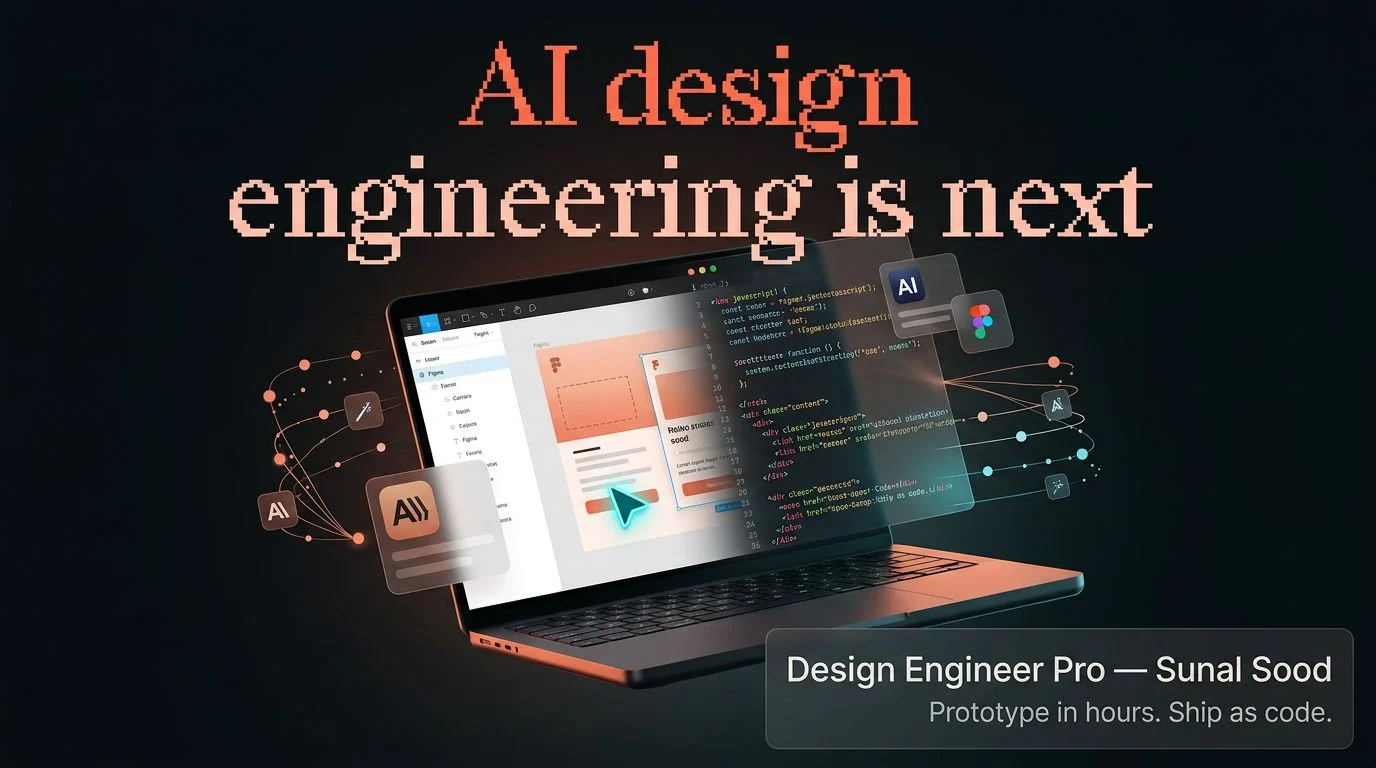
The Design Engineer Pro course is built around a specific transition: moving from product-design decisions into the vocabulary, tools, and handoffs that surround app delivery. Its five modules make those named stacks part of the value, rather than a tool-neutral tutorial.
Start with the handoff problem, not the app demo
The official course page places technical product concepts and AI-workflow choices ahead of the application examples. It describes prototyping versus building environments, prompting, workflow selection, MCP, CLI, and skills.md before the two app modules.
That sequencing is useful because it treats design engineering as a way of reasoning about work, not a collection of fashionable tools. Designers who want context before implementation have a reason to start here; those avoiding terminals, version control, app platforms, and engineering vocabulary should expect a broader scope.
The mobile route makes the stack part of the decision
For its mobile example, the official Design Engineer Pro curriculum names Figma Dev Mode MCP, React Native, Supabase, EAS Android distribution, and GitHub version control. The publisher presents this as a path that joins design handoff, application work, distribution, and source control rather than an isolated interface exercise.
That makes the mobile track valuable to a designer who wants to understand where screen decisions meet implementation work. It also creates a real boundary: buyers seeking a stack-neutral design curriculum, or a course that avoids platform and account considerations, should not mistake this named workflow for a general design primer.
Questions that arise before switching from mobile to macOS
How is the visible library divided?
The UDCourse listing shows six folders with 25 videos and 26 PDFs: 51 files totaling 3.50 GB. It confirms the package format and scale, not what each unopened file teaches or how deeply it covers a subject.
Is the mobile route separate from the macOS route?
According to the official page, yes. It describes a React Native mobile-app workflow and a distinct native macOS-app workflow with different named tools, which is stated curriculum scope rather than a promised learner result.
Can a designer without prior coding experience start?
The publisher says the course begins with terminal, commit, and component basics and identifies product and UX designers as part of its audience. That supports an entry point, but buyers should still expect a code-adjacent learning curve.
What setup details should a buyer confirm personally?
The UDCourse snapshot and visible listing do not verify access duration, delivery timing, accounts, hardware, software requirements, support, or updates. Confirm those product-specific terms before buying; the file listing verifies format, not setup or access.
The macOS track makes cross-platform exposure concrete
The official page separately describes a macOS module using Kiro, SwiftUI, UI iteration, Lottie, and DMG distribution. Its separation from the React Native material matters: the curriculum is presented as two different product surfaces with different implementation contexts, not one build repeated under another label.
A buyer interested in both mobile and desktop-native constraints has a reason to value that contrast. A learner focused only on one platform may get less from the second example, and anyone needing a deep React foundation should treat that as a separate requirement rather than something the macOS track can supply.
The stated endpoint is a codebase conversation
The publisher says the final module addresses contributing in an organization’s codebase alongside design-engineer hiring and career material, and identifies product designers, UX designers, design leads, and builders as the intended audience. That places collaboration around existing product work within the stated scope, beyond solo prototyping.
The practical appeal is delivery fluency: being able to discuss implementation choices with engineering instead of stopping at static screens. It should not be read as a credential, a complete engineering education, or evidence of an employment or compensation outcome.
The library establishes format, not lesson depth
The visible UDCourse Course Content listing reports 51 files in six folders, split between 25 videos and 26 PDFs, totaling 3.50 GB. No underlying video or PDF was opened, so the evidence supports a mixed-format, multi-part library without turning volume into a claim about lesson quality.
That distinction helps a format-conscious buyer interpret the product honestly. The official five-module outline explains the publisher’s stated subject scope, while the listing shows that video and PDF assets are visibly present; neither source independently establishes the depth, completeness, captions, or practical quality of an individual lesson.
A stack-specific bridge into product delivery
The Design Engineer Pro course earns its place for a designer who wants the publisher-described path from workflow judgment into two named app surfaces and then toward codebase collaboration. The cross-platform structure is the substance of the offer: it connects product thinking to implementation contexts without pretending that every stack can be learned through one generic route.
Its boundary is equally clear. A buyer wanting a concise design-only class, a single-platform tutorial, or a broad engineering foundation should look for material built around that narrower need. For someone prepared to work through the named tools, the course offers a bounded way to connect design decisions with the realities of shipping work.