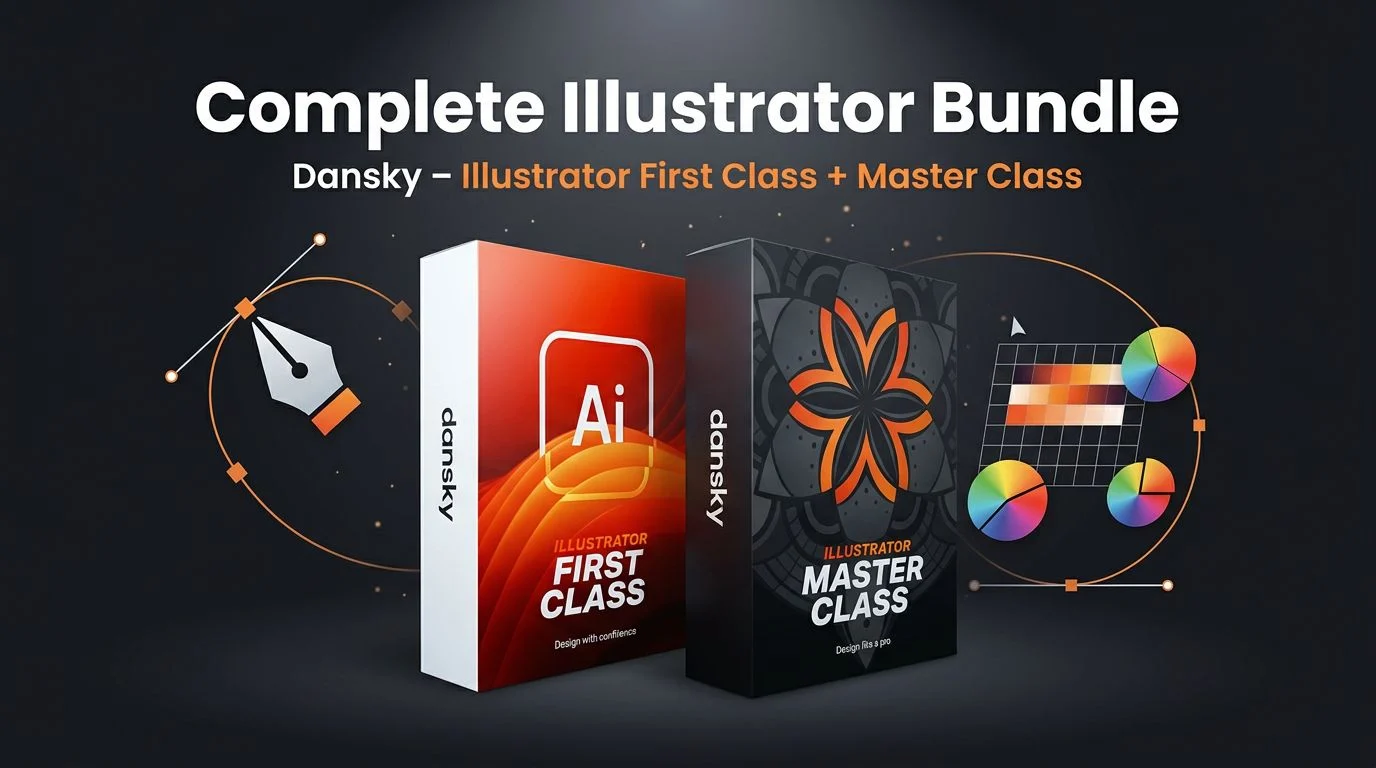
TL;DR: The Complete Illustrator Bundle from Dansky merges two courses, Illustrator First Class and Illustrator Master Class, into a single beginner to advanced path. It runs from workspace setup through the pen tool, brushes, 3D, patterns, and export, with practice projects like a donut and a poster. English subtitles and personal instructor support are included.
How the Complete Illustrator Bundle Compares
Most people learn Illustrator one of two ways. They stitch together free tutorials scattered across the web, which are plentiful but rarely build on each other. Or they open Adobe’s official reference, which is exhaustive and accurate but dry, with no sense of workflow or what to learn first. The Complete Illustrator Bundle sits in the gap between those two. It is a structured, ordered route from a blank artboard to advanced effects, taught by Dansky, a design educator who produces step-by-step Illustrator and Photoshop courses. You keep the project focus of a good tutorial, but with a real syllabus behind it.
What’s Inside the Complete Illustrator Bundle
The curriculum starts where a beginner needs it: setup and workspace basics, then core tools and shape building. From there it moves through colour, strokes and gradients, the drawing tools, the pen tool and symmetry, and typography and text effects. The second half is where the Master Class earns its name, covering images, masks and image tracing, brushes and texture, and the advanced features most tutorials skip: symbols, patterns, blends, 3D, and effects. It closes with exporting for print and web, so your work actually leaves the artboard in the right format.
Practice Projects and Illustrator 2026 Features
Watching is not learning, so this bundle builds in practice projects, including a donut illustration and a poster, that push you to apply each tool rather than just recognise it. It also covers newer Illustrator 2026 additions such as the improved image trace and generative shape fill, which matters because the interface keeps shifting. One caveat worth stating plainly: this is a course, not the software. You need a working Adobe Illustrator install to follow along, so an active Adobe subscription is assumed. If you want to read Adobe’s own take on the tool first, the Adobe Illustrator page lays out the feature set.
Who This Bundle Is Not For
Honesty helps here. This teaches one specific tool, so it is skills training, not design theory, portfolio building, or freelance business advice. If you want colour theory or guidance on pricing client work, look elsewhere. Because software tutorials are tied to a version date, some screens will drift as Adobe updates the interface, though the core techniques hold up. And if you are already comfortable in Illustrator, the First Class half will feel redundant; you would mostly be buying it for the Master Class material. Going in with clear expectations makes the community area and instructor support far more useful.
Complete Illustrator Bundle: Common Questions Answered
Is the bundle good for complete beginners?
Yes. The First Class half assumes no prior Illustrator experience and starts with workspace setup, so a true beginner has a clear on-ramp before the advanced material.
Do I need to own Adobe Illustrator?
Yes. This is a course, not the application. You need a working Illustrator install to follow the lessons, which means an active Adobe subscription on your own machine.
Does the bundle cover the newest features?
It includes Illustrator 2026 updates such as improved image trace and generative shape fill, alongside the core tools that stay stable across versions.
Is there any support, or is it just videos?
Dansky includes personal instructor support and a members-only community area, plus English subtitles, so you are not left decoding lessons alone.
Is the Complete Illustrator Bundle legit?
Dansky is an established design educator who produces step-by-step Illustrator and Photoshop courses. This is a straightforward pairing of two of those courses, First Class and Master Class.
Is the Complete Illustrator Bundle Worth It?
If you want a single, ordered path from beginner to advanced Illustrator and you learn better with projects than with reference docs, the Complete Illustrator Bundle is a sensible pick in 2026. It will not teach you design theory or how to run a studio, and seasoned users can skip the first half. But for someone who owns Illustrator and wants structure instead of scattered clips, the mix of a full syllabus, real practice projects, and direct instructor support is the strongest argument in its favour.