

Author
The Operating System for Claude Code turns scattered AI coding sessions into a repeatable developer workflow.
TL;DR: The Operating System for Claude Code is a developer-focused course that turns ad-hoc AI coding into a repeatable workflow. You get foundational concepts, prompt engineering, and an end-to-end system across 5+ modules. Built for devs and founders shipping real software with Claude Code in 2026.
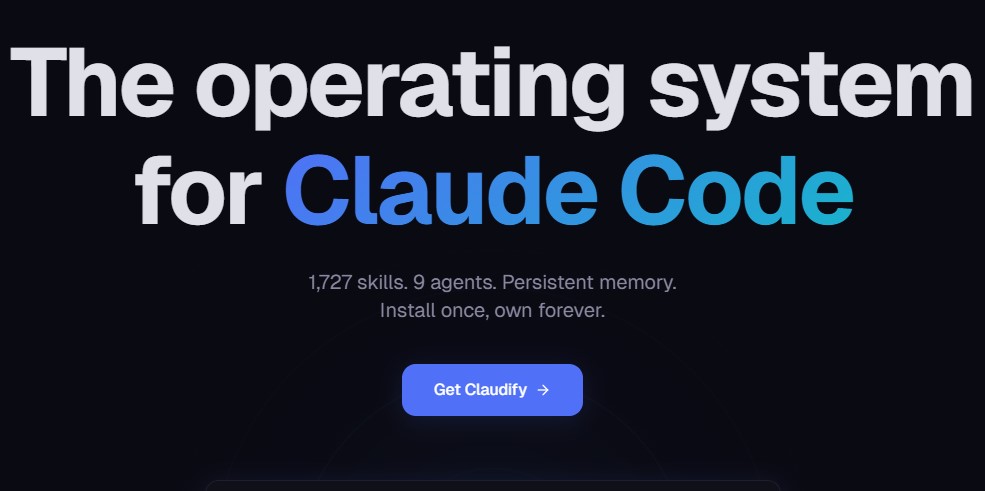
This is a deliverables-first download. The Operating System for Claude Code starts with how the model actually thinks, then walks you through structured prompting, context management, and a workflow you can reuse on every repo. No fluff intros. No 40-minute history of LLMs. The first lesson sets up the workflow you’ll use by lesson three.
You finish with a personal coding system – similar in spirit to Claude Code for real engineers – covering how you plan tasks, how you frame prompts, how you review output, how you commit. It is opinionated – and that is the point.
Working developers who already use Claude Code but feel like every session starts from zero. Indie founders shipping side projects who lose hours re-explaining their codebase. Agency engineers standardising how their team uses AI, often after working through a primer like a one-day Claude Code intensive. If you have never opened a terminal, this will be steep – the course assumes you can read a diff and run a CLI tool.
Not for you if: you want a no-code drag-and-drop builder, or you expect Claude Code to write production apps unsupervised. The course is honest that it won’t.
Most AI coding tutorials show you one impressive demo and stop. This one frames Claude Code as a system you operate – context in, plan out, code reviewed, committed – which is closer to tactical agentic coding practice than copy-paste prompting. The Operating System for Claude Code spends real time on the boring middle: how to structure CLAUDE.md files, when to reset context, how to catch silent regressions before merge.
It also names trade-offs out loud. Some workflows save 4 hours a day. Some cost you 2 hours of debugging hallucinated APIs. The course tells you which is which.
Start with the foundations module – even if you’ve used Claude Code for months, the mental model lessons reframe what context windows actually do. Then drop into the workflow modules and apply each step to a repo you already own – a full-stack Next.js build with Claude Code is a great companion target. Students report the system clicks around module three, when planning, prompting, and review fold into one loop.
Pair it with the official Anthropic research publications for deeper grounding on how the model is trained.
Is The Operating System for Claude Code worth it?
At the regular $98, it’s a fair price for a full developer workflow course – cheaper teams sometimes start with turning prototypes into live products with AI before committing. At UDCourse’s $20 listing, it’s hard to argue against – one saved debugging session pays it back. Worth it if you actually code; skip it if you only dabble.
Is The Operating System for Claude Code legit?
Yes. The download is the complete course as advertised – foundations through advanced workflow, the same scope you’d expect from agentic AI engineering tracks. UDCourse lists the same course at a lower price point. Not included with this download: any private community, live Q&A calls, or future update access from the creator’s platform.
Do I need prior Claude Code experience?
No, but you need to be comfortable with a terminal, git, and reading code. Total beginners to programming will find the pace fast.
Will this course go stale as Claude Code updates?
The workflow principles – context shaping, plan-first prompting, review discipline – outlast model versions. Specific CLI flags may shift; the system around them will not.
Course: The Operating System for Claude Code
Version: 2026 release
Total Content: Full module set covering foundations through advanced workflow
Format: MP4 video, supporting text resources
Access: Instant digital download
Price: $20 at UDCourse (regular $98)

AI & Automation

Agency Building
6 Months Maker School Access – Land Your First AI Client Fast

Agency Building

AI & Automation